
Recréer le synthé lead du morceau de 2010 appelé "Derezzed" par Daft Punk peut être un défi passionnant pour tout fan de synthétiseurs. Voici comment programmer le patch "Derezzed" lead et jouer ce son iconique sur la plupart des synthétiseurs soustractifs matériels ou logiciels (Serum, Vital, Pigments, Prophet, Korg, Moog, etc.). Nous avons inclus le téléchargement du preset ci-dessous pour plus de commodité, mais nous vous recommandons vivement d’utiliser notre tutoriel de programmation afin de le recréer vous-même sur votre synthé favori.
Le son original
Daft Punk’s “Derezzed,” featured on the 2010 “Tron: Legacy” soundtrack, is distinguished by its aggressive and textured lead synthesizer. This sound is crafted using layered sawtooth waves at different octaves, enhanced with substantial distortion and modulation effects. The result is a gritty, dynamic lead that propels the track’s energetic rhythm. You can hear this distinctive synth lead prominently at the beginning of the song.
Notre recréation du patch ( Lead ) - démo audio
Cet extrait audio montre à quel point nous avons reproduit le timbre original du synthé lead du morceau "Derezzed" par Daft Punk. Ca vous offre un point de référence pour recréer votre propre preset. Écoutez-le autant que nécessaire pour vous familiariser avec les différentes nuances du son.
La recette
Recréez ce son vous-même
Apprenez à programmer ce preset de synthé entièrement à l’oreille avec Syntorial. Téléchargez la démo et essayez gratuitement un nombre illimité de challenges « sons célèbres ».
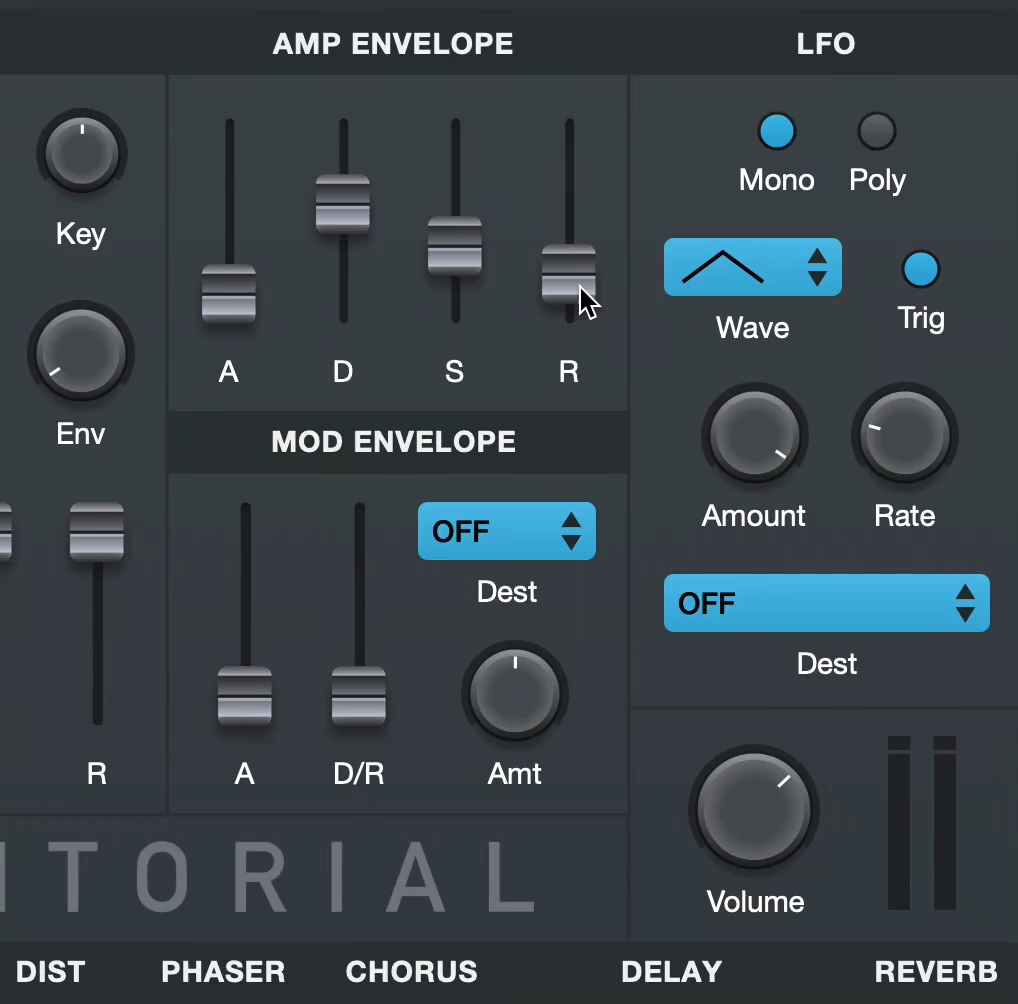
Pour commencer
- Commencez par initialiser votre synthé sur une onde en dents de scie sans filtre, modulation ni effets.
- Aucun synthé n’est identique : considérez les valeurs comme approximatives et fiez-vous à votre oreille.
- Les valeurs en pourcentage (par exemple, 50%) représentent la position relative d'un bouton ou d'un curseur sur toute sa plage. La plage de chaque paramètre peut varier d'un synthétiseur à l'autre ; utilisez donc votre oreille.
Voix
- Mode voix: Mono legato
Enveloppe d'amplitude
- Attaque: 0 ms
- Sustain: 100%
- Release: 20 ms
Oscillateurs
- Oscillateur 1
- Forme d'onde: Dents de scie
- Volume: 40%
- Hauteur : +3 cents
- Oscillateur 2
- Forme d'onde: Dents de scie
- Hauteur : +1 Octave and -5 Cents
- Volume: 60%
- Sub-oscillateur
- Forme d'onde: Pulse
- Longueur d'impulsion: 100%
- Hauteur : -1 octave
- Volume: 20%
- Unisson
- Oscillateurs: Tous
- Nombre de voix: 2
- Plage de désaccordage : 1 Cent
- Stereo Spread: 50%
- Réinitialiser la phase de tous les oscillateurs au déclenchement de la note : Yes
- Volume du bruit : 20%
Filtre
- Type : Passe-bas
- Cutoff : 60%
- Résonance: 65%
- Key Tracking: 50%
Distorsion
- Drive: 61%
Phaser
- Mix: 50% Wet
- Feedback: 60%
Delay
- Mix: 35% Wet
- Feedback: 0%
- Time: 1/32 Note
Remarque : les réglages peuvent légèrement différer dans le challenge de Syntorial.
Notes et observations
(tutorial video transcript)
So to start, we’re gonna reset the synth so it’s just a plain old saw wave. And we’re going to mix in a second oscillator that’s also a saw wave, but one octave higher. So first I’m going to set this saw for oscillator two up to 12 semis, one octave. And then listen to the sound as I mix in the second oscillator.
So you hear that bright top end suddenly come in, and we’re mixing it so it’s about 60% oscillator two, 40% oscillator one, so you want a little bit more of the top end than the bottom end.
Next we’re going to take this higher oscillator, and we’re gonna de-tune it down six cents. So it kinda thickens the sound, it adds a little bit of pulsation and smearing to it. Now, when you de-tune two oscillators and you have the Start button on, you get a very pointy, hard attack on each note. Without getting too much into the science behind this, this is because, with Oscillator Start on, every time you play a new note, both oscillators’ phases start over. And this creates a very quick volume boost right at the beginning of each note, and thus creates this attack transient, this sort of hard, pointy attack.
Now, for this patch, we don’t want that, so we’re going to turn the Oscillator Start button off. That’s on, here’s off. Makes it a little smoother. Next we’re gonna bring the sub-oscillator up, and this is one octave lower than oscillator one, and it’s set to a saw wave. Or sorry, a square wave. So that gives us our bottom end. And then to further smooth the transitions between notes, we’re gonna turn Legato Mode on.
Next we’re gonna distort the sound. Now, if I just turn the distortion up right now, it doesn’t sound very good, take a listen. It’s a very trashy, kinda papery, distortion. So what I like to do is turn the Cutoff knob down first. ‘Cause basically, what distortion does, among other things, is it adds its own high end to your sound. But if you already have this bright high end in there, then it just sort of mixes the distorted high end with the original high end, and it just kinda sounds nasty. So we’re gonna turn the cutoff down. So it’s a nice round sound, not much high end left on it, and then bring the distortion up.
Next we’re gonna add some resonance. This really sorta shapes the sound, thins it a bit, and pushes the distortion out, it kinda brings out the distortion. Now, right now our lower notes sound pretty good, but our higher notes still sound too rounded, they’re not bright enough.
So whenever you have a part like this that spans a couple octaves, you can run into that problem quite often because the filter applies its cutoff kind of unevenly across your keyboard. Like right now, our lower notes sound nice, nice and bright, but our upper notes sound too dark. So that’s what Key Tracking’s for.
When I turn Key Tracking up, the higher notes are gonna get a lot brighter, but the lower notes pretty much stay the same. This is because the lower notes are near middle C, and Key Tracking doesn’t change the brightness of middle C, but as you begin to play notes higher and higher above middle C, Key Tracking brightens them more and more. So these lower notes that are very close to middle C barely get brightened, and the notes that are two octaves above middle C get a lot of brightness added to them.
So now we have a nice uniform brightness across the entire range. Next, we want to spread the sound out. Right now it’s right down the center, but the sound should be kind of wide, so we’ll use Unison, we’ll turn that on and we’ll increase the spread knob to widen the sound.
Now that did a good job of widening the sound, but it also added that really kinda awful wobbling sound in there. This is the interaction between Unison to Distortion. Distortion typically doesn’t like a ton of pulsations from de-tuned oscillators. But we need the distortion, so we turn the de-tune amount down, so there’s not as much movement.
So now we have our smooth distortion and our widening. What’s also kind of a nice side effect is this slow de-tuning makes it so that some notes pop out to the right side, some notes pop out to the left side, which is what the track actually does. So now the sound kinda feels like it’s moving left and right, but it’s also still strongest in the center.
Next we’re gonna add a little white noise. Kinda trashes the sound a bit. And then some phaser. So it’s fairly wet, but the range of the phasing is a little too extreme. So the feedback we’re gonna turn down. So now that phasing sound doesn’t stick out so much.
And then lastly, our delay. We’re gonna use a slapback delay, which kinda makes it sound like it’s in a small room or a basement. So first we’re gonna turn up the mix knob. So by default you get several repeats, but a slapback delay is just one single repeat, so we turn the feedback all the way down. So just one repeat for every note you play.
And then a slapback delay is also very fast, so right now we’re at a quarter note, we’re gonna crank it. No delay: Delay: So that’s your basic sound. Now, when you listen through the track, the sound is definitely changing, it’s got subtle changes probably with the filter and a few other things. So it’s different depending on what part of the track you’re listening to.
But one of the best changes that I like about it is this mix between the highest oscillator and the middle oscillator. It changes, like earlier in the track: It’s more like that, it’s mostly this oscillator, less of this oscillator. But then, as you get deeper into it, that higher end kinda starts to stick out. And that’s “Derezzed”.
Pour aller plus loin
- How To Recreate The Daft Punk ‘Derezzed’ Synth Lead | Synthtopia
- How to sound like Daft Punk | Synth Ctrl
- Massive Tutorial – Daft Punk ‘Derezzed’ Synth Lead | YouTube
Téléchargement des presets
Pas le temps d’apprendre la programmation de synthés ? Utilisez notre preset comme point de départ puis ajustez-le. Créez un compte Audible Genius et téléchargez gratuitement les presets pour les synthés suivants :
- Primer, notre synthé VST gratuit