
Den lead -Synth aus dem 1982 Song "Big Mess" von Devo nachzubauen, kann eine spannende Herausforderung für jeden Synthesizer-Enthusiasten sein. So können Sie das "Big Mess" lead -Patch erstellen und diesen ikonischen Sound auf den meisten subtraktiven Hardware- oder Software-Synthesizern spielen (Serum, Vital, Pigments, Prophet, Korg, Moog, etc). Wir haben den Preset-Download zu Ihrer Bequemlichkeit direkt beigefügt, empfehlen jedoch dringend, unser Programmier-Tutorial zu verwenden, um ihn selbst nachzubauen.
Original-Audio
Devo’s song “Big Mess,” from their 1982 album Oh, No! It’s Devo, features a distinctive synth lead that reflects the band’s innovative use of synthesizers during that era. While the specific synthesizer used in the original recording isn’t definitively documented, Devo was known for employing instruments like the Minimoog Model D, ARP Odyssey, and Sequential Circuits Prophet-5 during the early 1980s.
Unser Remake des Lead -Synth-Sound
Dieser Audioclip zeigt, wie nah wir dem Originalklang des lead -Synthesizers aus dem Song "Big Mess" von Devogekommen sind, und gibt Ihnen einen Referenzpunkt, während Sie Ihr eigenes Synthesizer-Preset gestalten. Spielen Sie ihn so oft ab, wie Sie möchten, um sich mit den Nuancen des Sounds vertraut zu machen.
Synth-Patch-Programmier-Rezept
Bauen Sie diesen Sound selbst nach
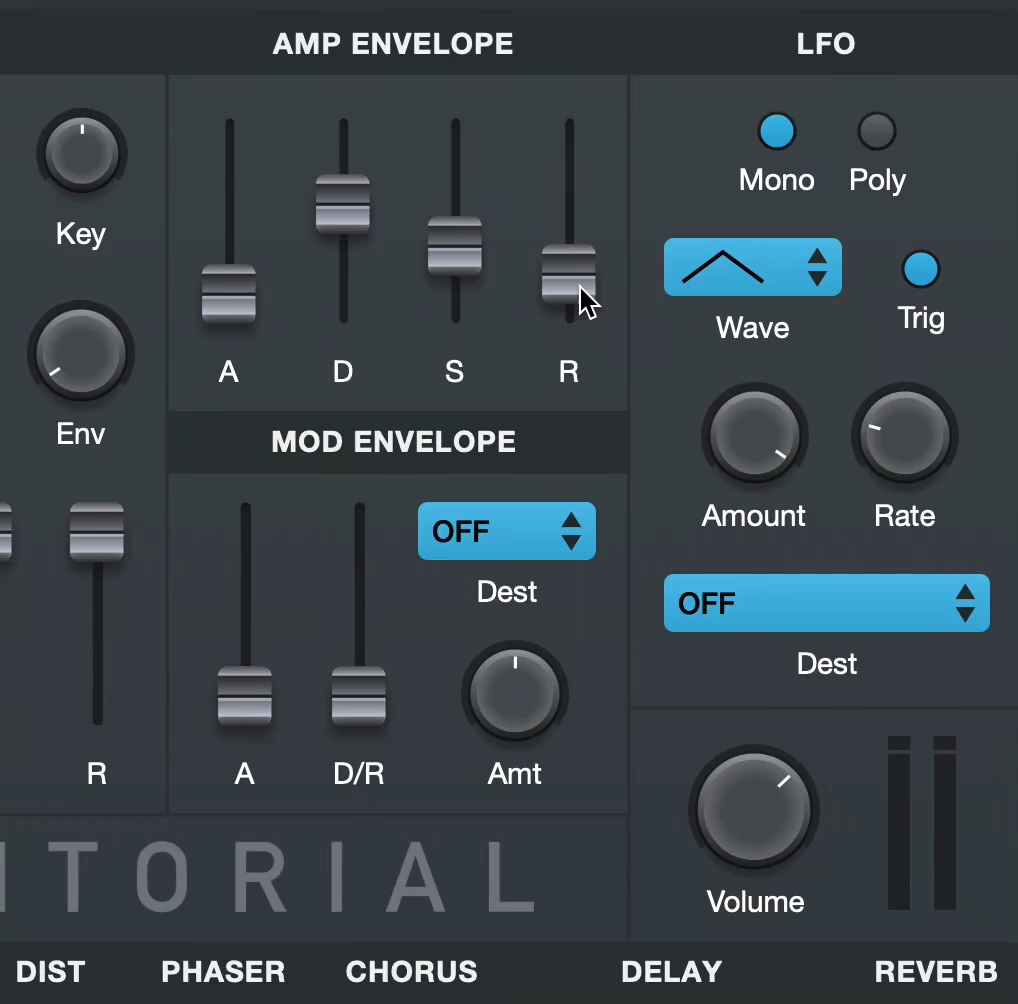
Lernen Sie, dieses Synth-Preset mit Syntorial komplett nach Gehör zu programmieren. Laden Sie die Demo herunter und testen Sie unbegrenzt viele Challenges mit berühmten Sounds – kostenlos.
Erste Schritte
- Beginnen Sie damit, Ihren Synthesizer auf einen einfachen Sägezahn zu initialisieren – ohne Filter, Modulation oder Effekte. Bei Softsynths verwenden Sie das Preset „init“/„default“ oder die Taste, die alle Parameter auf die werkseitigen Standardwerte zurücksetzt.
- Kein Synthesizer ist exakt wie der andere – sehen Sie die untenstehenden Werte daher als Richtwerte und verlassen Sie sich auf Ihr Gehör.
- Prozentwerte (z. B. 50%) geben die relative Position eines Reglers oder Schiebereglers innerhalb seines gesamten Regelwegs an. Der Regelbereich einzelner Parameter kann je nach Synth variieren – nutzen Sie daher Ihr Gehör.
Stimmen
- Stimmenmodus: Mono
Amplituden‑Hüllkurve
- Attack 0 ms
- Sustain: 100%
- Release: 20 ms
Oszillatoren
- Oszillator 1
- Wellenform: Puls
- Pulsbreite: 50%
- Lautstärke: 50%
- Tonhöhe: +3 Cent
- Oszillator 2
- Wellenform: Puls
- Pulsbreite: 50%
- Tonhöhe: -3 Cent
- Lautstärke: 50%
- Suboszillator
- Wellenform: Puls
- Pulsbreite: 100%
- Tonhöhe: -1 Oktave
- Lautstärke: 45%
- Phase aller Oszillatoren bei Notenstart zurücksetzen: Yes
Filter
- Typ: Tiefpass
- Cutoff: 75%
LFO
- Ziel: Filter Cutoff
- Wellenform: Saw
- Amount: 35%
- Frequenz: 1/8 Note
- Trigger: On
Hinweis: Die Patch-Einstellungen können in der Syntorial-Challenge leicht abweichen.
Notes And Observations
Starting with the Basics: The Saw Waveform
Begin with the most fundamental element—the saw waveform. We’ll be changing this waveform in a bit, but it’s a great universal starting point for any patch.
Modulating the Sound: LFO and Cutoff
Once you have your plain saw waveform, the next step involves modulation. Use a Low Frequency Oscillator (LFO) to modulate the cutoff frequency of the sound. Start by switching your LFO waveform to saw and increase the speed to introduce that repeating-note effect. Carefully adjust the cutoff frequency and the LFO amount so that the modulation starts at the brightest point and only brings it down about halfway through the frequency range.
Changing the Waveform: Medium Pulse
After getting the modulation right, switch the waveform from a saw to a medium pulse wave. This change adds a somewhat hollower and more videogame-like character to the sound.
The Smearing Effect: Doubling and Detuning
To give the sound that smeared, thick quality, you’ll need to double it and apply a slight detune. This moves the sound away from a solid stagnant timbre, and introduces a soft-textured pulsation.
Adding Depth: The Sub Oscillator
Finally, to add some weight to the sound, bring in a sub oscillator set to a square wave. This underpinning layer enriches the synth lead, providing a solid bottom end that will carry the lead and give it a full-bodied presence.
By following these steps, you can create a synth lead that not only emulates the Devo “Big Mess” sound but also gives you a foundation on which to build your own unique synth sounds. Experimentation is key, and as you become more comfortable with these techniques, you can start tweaking and adding your own personal touch to make it truly your own.
Mehr entdecken
Preset-Downloads
Keine Lust, jetzt Synth-Programmierung zu lernen? Nutzen Sie unser Preset als Ausgangspunkt und passen Sie es von dort aus an. Erstellen Sie ein Konto bei Audible Genius und laden Sie die Presets kostenlos für die folgenden Synthesizer herunter:
- Primer, unser kostenloses Synthesizer-VST
Kommentare
Dieses Rezept ist das Ergebnis einer Preset-Remake-Anfrage aus der Syntorial-Community. Brauchen Sie Hilfe dabei, diesen Sound nachzubauen? Haben Sie Anmerkungen?
Mach mit in der Diskussion